 Rating Case ManagerProfessional rating softwareUser login
 How it works · CRM
Keep your rating casework connected.
Work from a shared case board, open the property in VOA Link and keep correspondence, documents and next actions alongside the instruction.
Create and organise a case
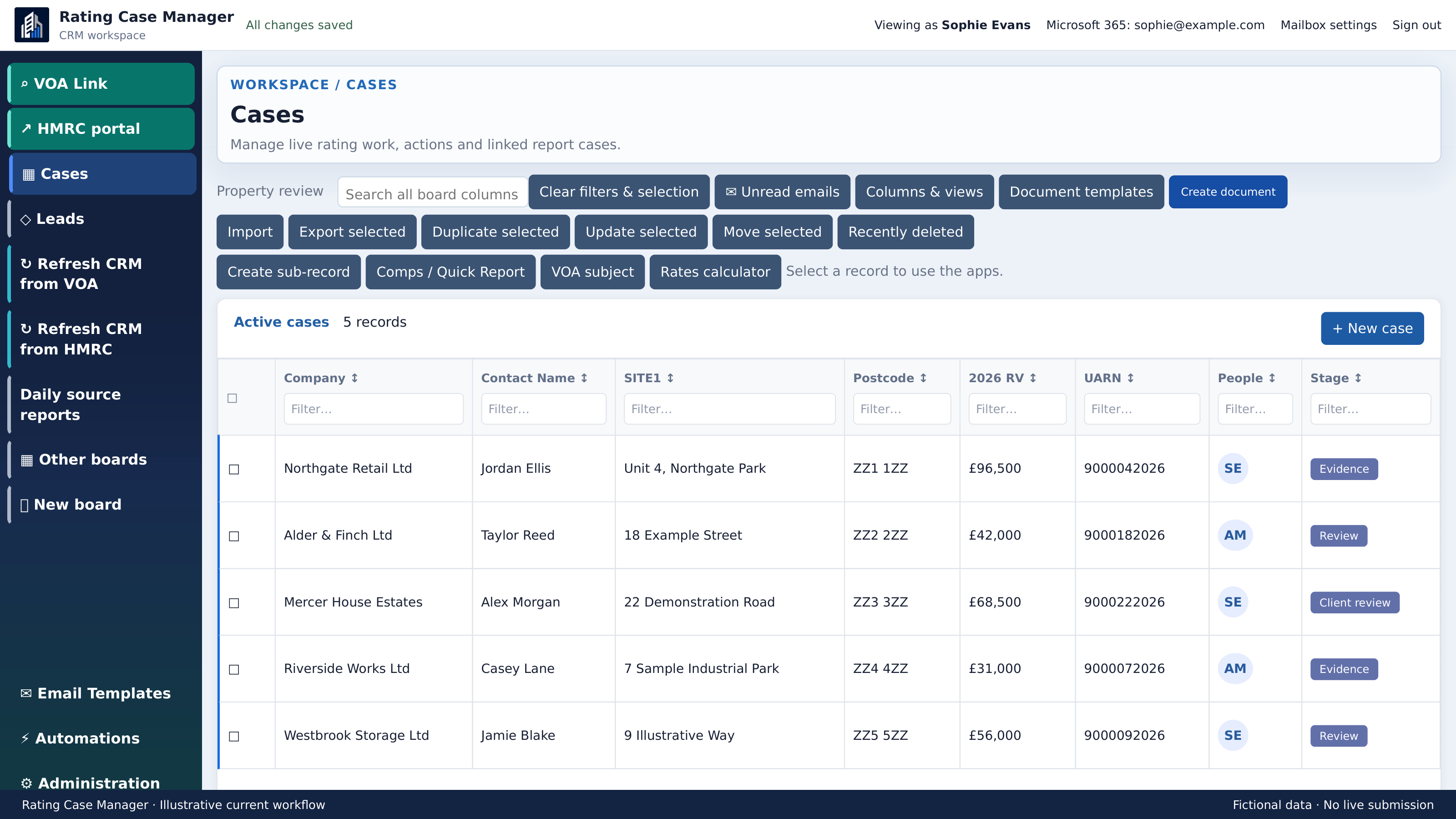
Use Cases, Leads or a board set up for your team. Add a case, enter its client and site details, then assign responsibility and the next task.
- Choose the board and select New case.
- Enter the company, contact and site address.
- Set People, Stage and Next Task to make the next action clear.
Choose your working view
Use Columns & views to focus the board on the information you need. Clear filters and selection before starting a different task.
- 1
Open Columns & views.
- 2
Choose the fields and saved view for the task.
- 3
Use Clear filters & selection when changing focus.
Find the VOA subject
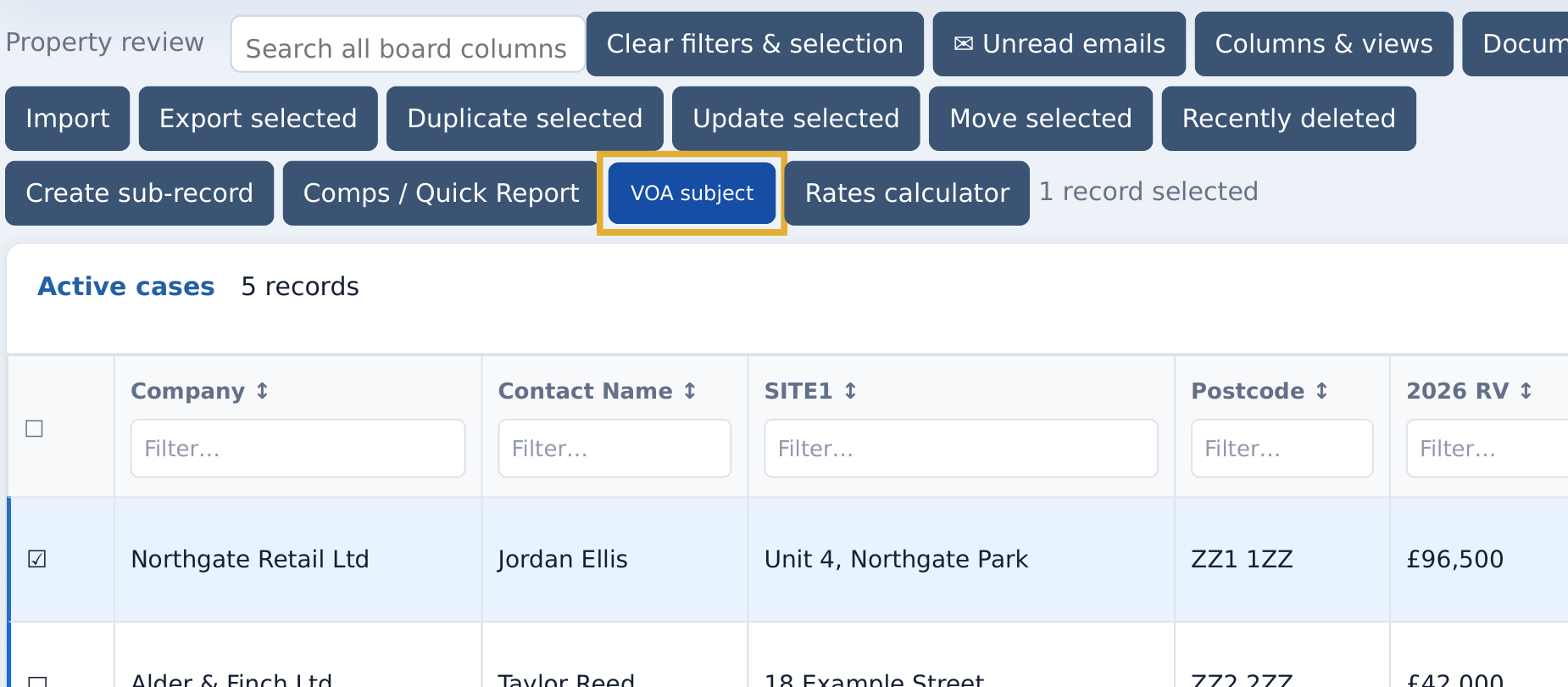
Select the case and use VOA subject to open the property workflow. Check the site address, rating list and assessment before linking the result to your case.
- Select one case on the CRM board.
- Choose VOA subject and review the proposed match.
- If needed, use Property finder to find and verify the correct assessment.
- Use the assessment’s CRM action to connect it to the case.
Keep email with the instruction
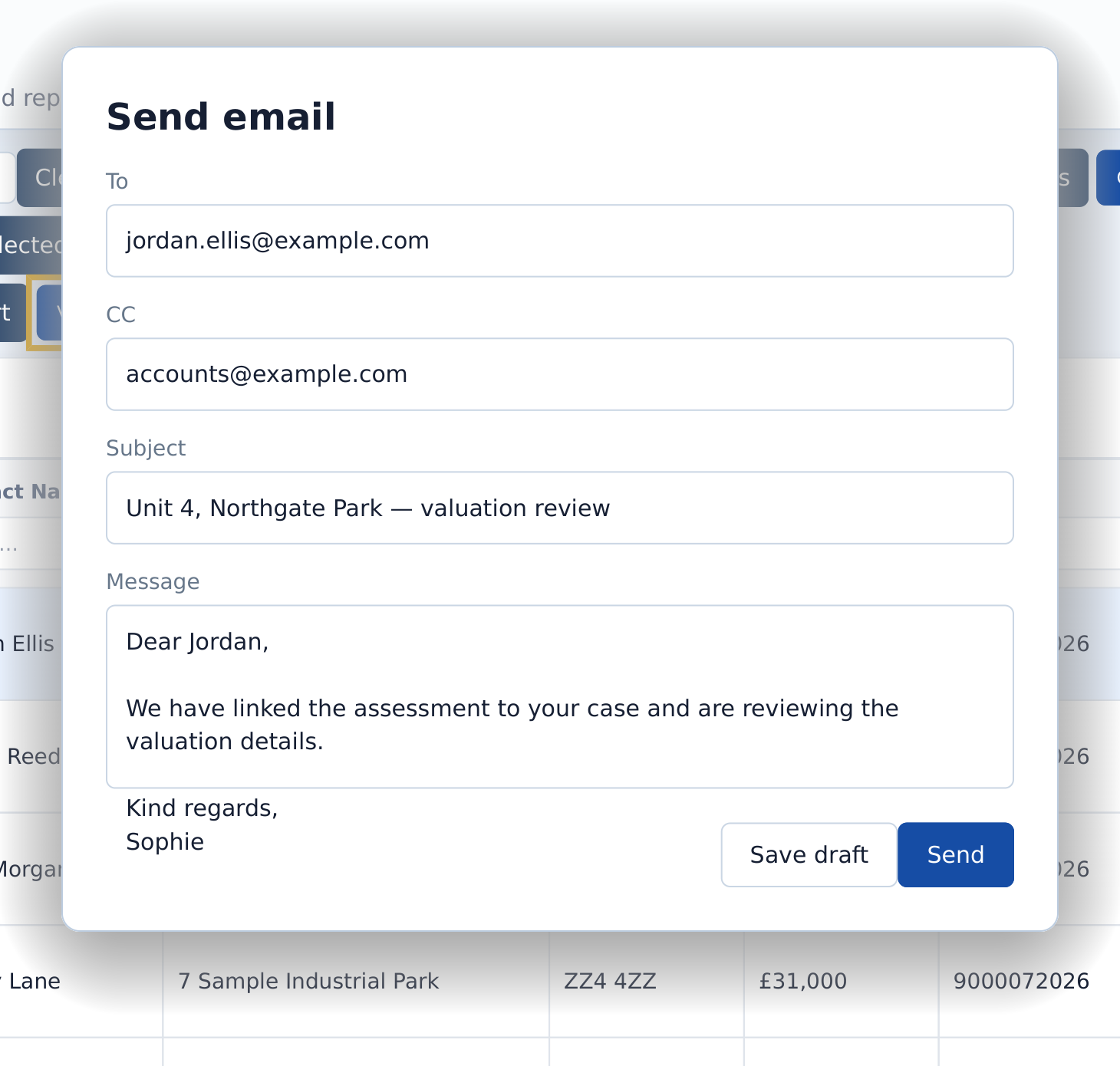
Connect Microsoft 365 to work with case correspondence. The CRM provides unread-email access, email templates and saved drafts. Review recipients and attachments before sending.
- Open the case email controls or Unread emails.
- Compose the message and choose a template if needed.
- Review To and CC, including any second contact address.
- Save a draft to return to it later, or review and send.
Create documents and analyse evidence
Use Document templates and Create document for case outputs. Comps / Quick Report and Rates calculator open analysis from selected records.
- 1
Select the case you want to work on.
- 2
Choose Create document, Comps / Quick Report or Rates calculator.
- 3
Review the case information and output before sharing it.
Review source updates
Administrators can access VOA and HMRC refresh tools and Daily source reports. Review unmatched items and conflicts before applying a correction to the case.
- 1
Open the relevant source report.
- 2
Review the affected case and proposed match.
- 3
Resolve the item using the available review actions.
- 4
Check the updated case fields.
See the workflow with your team.
Request a walkthrough focused on the casework you manage.