How it works · Report App

Turn reviewed casework into a clear professional report.

The Report App brings case information, subject evidence, comparables, analysis and your company profile into one structured workspace before producing a client-ready output.

01

Case-linked workspace

Start the report from the live CRM case.

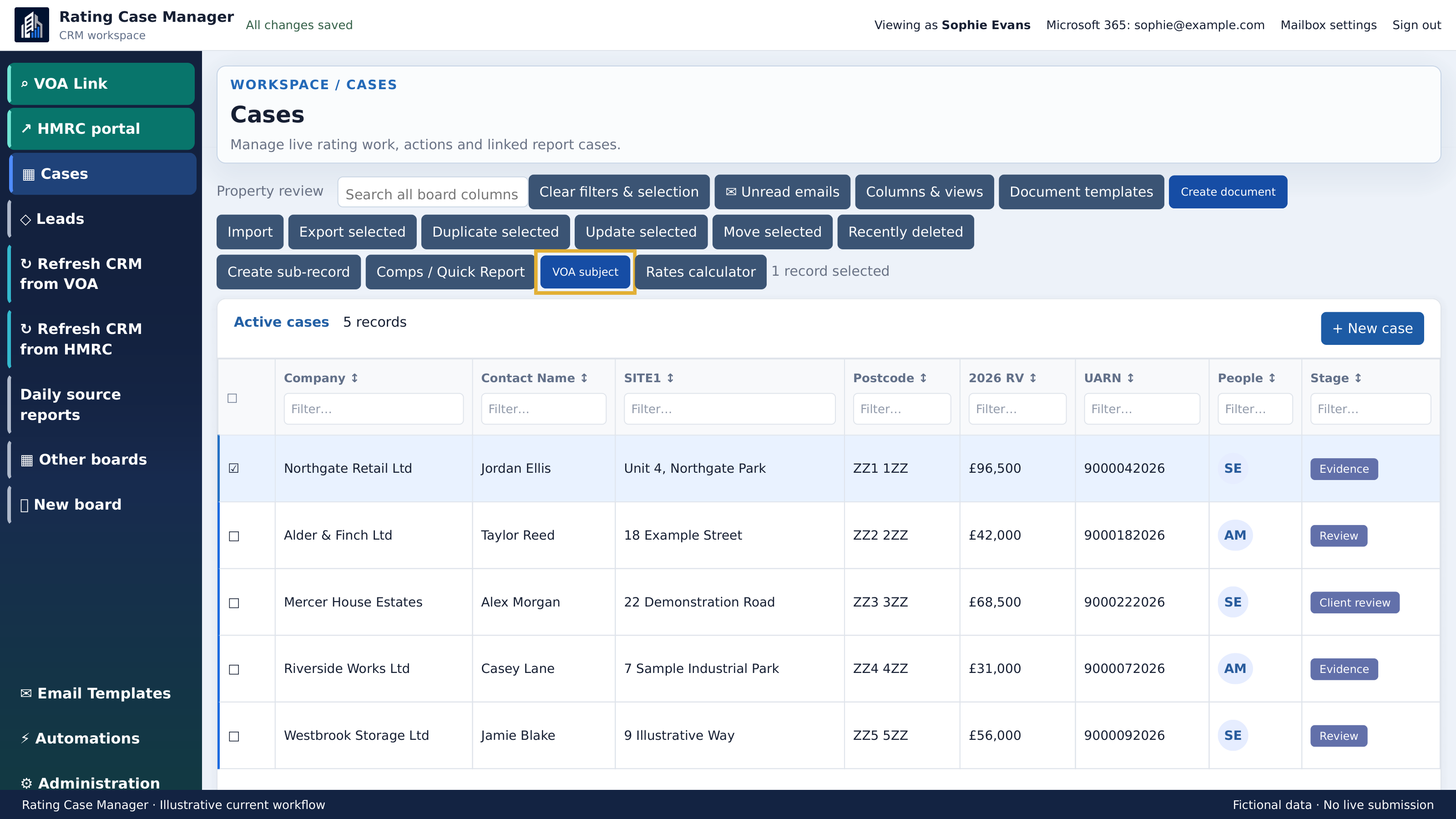
Open the Report App against a selected CRM record so the report begins with the correct case identity, client and subject property—not a blank document.

  • Select the intended CRM case
  • Carry the permanent case ID into the report
  • Keep report work associated with its source record
02

Subject property

Build a dependable subject-property record.

Review the property facts brought across from the CRM and VOA Link, then complete the report-specific description, location and occupation details.

  • Confirm address, identifiers and current RV
  • Review valuation summary and rating-list history
  • Add inspection and location commentary
03

Evidence library

Keep every source visible and attributable.

Supporting files, saved URLs, location captures and VOA records sit together as report evidence. Users choose what belongs in the report rather than copying material between folders.

  • Review evidence already attached to the case
  • Organise location, tenancy and valuation sources
  • Mark evidence for inclusion in the final report
04

Comparable evidence

Explain the comparison, not just the numbers.

Add selected comparable properties from VOA Link, then record relevance, adjustments and surveyor commentary alongside the source facts.

  • Bring scheme comparables into the report case
  • Compare area, RV and valuation rate
  • Record adjustments and professional reasoning
05

Report builder

Review the report section by section.

The structured editor keeps the document complete and consistent while leaving professional conclusions with the surveyor. Sections can be reviewed, reordered and excluded before output.

  • Work through a clear report structure
  • Edit narrative with evidence visible alongside
  • Preview included sections before generation
06

Branded output

Produce a report that is ready for professional review.

Apply the organisation’s company profile and document template, preview the assembled report and download the required output without rebuilding the document manually.

  • Use the saved company profile and branding
  • Check report sections and appendices in preview
  • Generate the supported downloadable formats

The connected workflow

Return to CRM or VOA Link.

See how case management and rating-list evidence feed the Report App without losing the permanent case identity.

See the real workflow

Ready for a closer look?

Book a practical walkthrough of the Report App and the outputs your organisation needs.

Request a Report App demo Existing user login ↗